How to Plan Beat-Based Edits with Spotify and Alight Motion
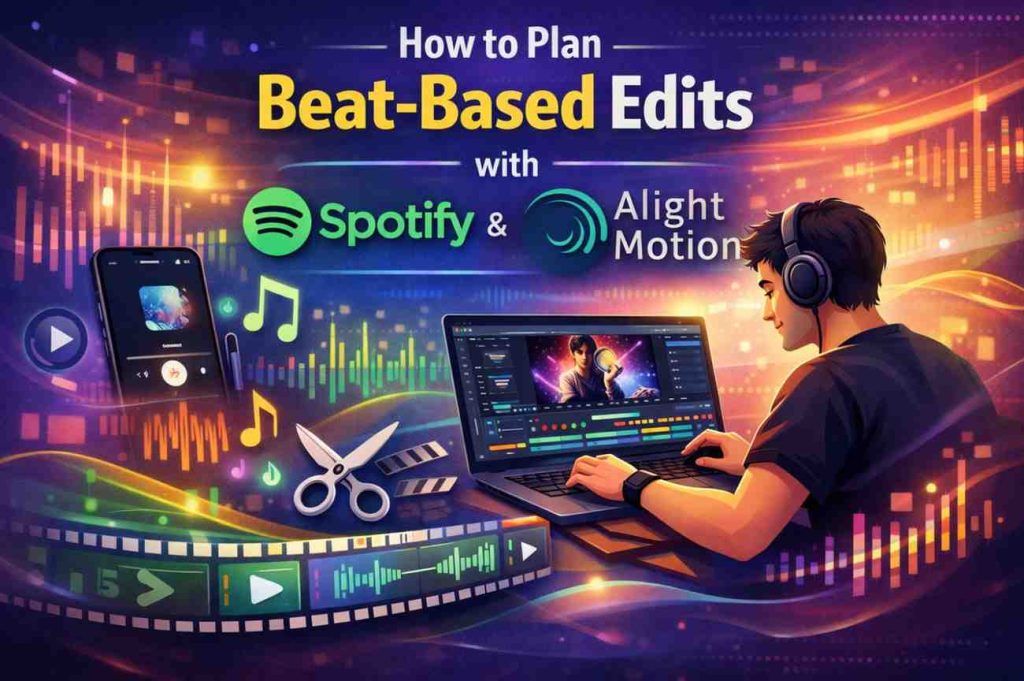
Beat-based editing has become one of the most popular video editing styles, especially for short-form content and cinematic reels. This editing technique synchronizes visual elements with the rhythm of music, creating an engaging and satisfying viewing experience. When creators use music from Spotify Premium Mod APK and edit their projects using Alight Motion, they can plan highly dynamic edits that perfectly match the tempo and mood of a song.
Proper planning is essential for beat-based editing. Instead of randomly placing clips, creators must analyze the rhythm of the music and organize their visuals around key beats. This approach helps create smooth transitions, impactful moments, and a visually pleasing flow throughout the video.
Understanding the Structure of the Song
Before starting any edit, it is important to understand the structure of the chosen track. Songs typically follow patterns such as intros, verses, choruses, and bridges. Each section often has a different intensity level, which can guide the type of visuals used in the edit.
Listening to a song on Spotify several times helps editors identify the strongest beats and emotional peaks. The intro section might work best for slow visual buildup, while the chorus can be used for energetic cuts or dramatic transitions. By understanding the musical structure, editors can design a clear visual narrative that follows the rhythm of the song.
Identifying Key Beat Points
The core of beat-based editing lies in identifying where the strongest beats occur in the music. These beats usually include drum hits, bass drops, or sudden rhythm changes. Marking these points allows editors to align clip changes, effects, or transitions with the music.
In Alight Motion, creators can manually place markers along the timeline to represent these beats. Once the beat markers are set, clips can be trimmed and arranged so that each scene change happens exactly when the beat occurs. This creates a rhythmic visual experience that feels synchronized with the music.
Many professional editors spend significant time identifying beat points before adding visuals. This preparation ensures that the editing process becomes faster and more precise later on.
Matching Visual Energy with Music
Different parts of a song carry different emotional intensities. A slow melody requires calmer visuals, while energetic beats work better with fast-paced clips. Planning edits around these emotional shifts helps maintain a natural flow throughout the video.
For example, a soft verse may include slow motion clips, gentle camera movements, or subtle color adjustments. When the song transitions into a powerful chorus, the editor can introduce rapid cuts, zoom effects, or bright lighting changes. These visual variations mirror the energy of the music and keep viewers engaged.
Alight Motion’s animation tools allow editors to control timing, motion, and effects precisely. When these features are aligned with the rhythm of the Spotify track, the final edit feels more cinematic and intentional.
Using Keyframe Animation for Beat Effects
One of the most powerful tools in Alight Motion is keyframe animation. Keyframes allow editors to animate properties such as position, scale, rotation, and opacity over time. This feature becomes extremely useful for beat-based edits.
Editors can add keyframes on the timeline exactly where the beats occur. At these points, they can apply visual actions like quick zooms, shake effects, glow pulses, or rotation movements. Because the animations happen on the beat, the video appears tightly synchronized with the music.
For example, every bass drop in a song can trigger a quick zoom-in effect. Similarly, a drum hit can be emphasized with a small screen shake or flash effect. These subtle animations help strengthen the connection between audio and visuals.
Planning Clip Length and Timing
Another important factor in beat-based editing is clip timing. Each clip should ideally match the duration between beats or groups of beats. For instance, one clip may last for four beats, while another may change every two beats depending on the pacing of the edit.
Before importing clips into the timeline, it is helpful to plan how long each scene should appear. Some editors even sketch a simple storyboard showing where each clip will appear in relation to the music.
This structured approach prevents random editing decisions and ensures that the video maintains a consistent rhythm from beginning to end.
Creating Smooth Beat Transitions
Transitions play a crucial role in beat-based edits. When a scene changes exactly on a musical beat, it produces a satisfying visual effect. However, the transition itself should also match the style of the video.
Alight Motion provides various tools such as motion blur, fade effects, and directional transitions. When applied at the right beat moment, these transitions create a seamless flow between clips.
For example, a fast swipe transition might match a strong drum hit, while a soft fade could align with a gentle musical shift. Carefully selecting transitions based on the rhythm enhances the professionalism of the edit.
Maintaining Visual Consistency
Even though beat-based edits involve frequent scene changes, the overall visual theme should remain consistent. Color grading, lighting style, and visual tone should match throughout the project.
Alight Motion allows editors to apply consistent color adjustments and visual effects across multiple clips. When combined with carefully planned beat synchronization, this consistency gives the video a polished and cohesive look.
Finalizing the Beat-Based Edit
After arranging clips, transitions, and effects according to the beat structure, the final step is refining the timing. Small adjustments may be needed to ensure that each visual action aligns perfectly with the music.
Rewatching the entire edit several times helps identify any moments where the timing feels slightly off. Even tiny adjustments of a few frames can significantly improve synchronization.
When beat planning is done properly using Spotify music and Alight Motion editing tools, the final result becomes a visually rhythmic video that feels energetic, professional, and highly engaging for viewers.